
It’s Tuesday afternoon, and an account manager has a proposal due at five. The draft is clunky, so she copies the whole thing (client name and pricing included) into the free chatbot she uses at home and asks it to tighten the language. Ten minutes later the proposal reads better and goes out on time. Nobody approved the tool. Nobody asked, either.
Meanwhile, a note-taking bot that someone installed months ago is quietly joining a leadership call about next year’s budget. A developer is pasting an error log, along with a chunk of proprietary code, into a coding assistant he signed up for with his personal email.
None of these people are trying to cause a problem. They’re trying to get their work done. And if your organization has more than a handful of employees, some version of this is almost certainly happening right now.
The research backs that up. A 2026 Wakefield Research survey for PagerDuty, covering 1,250 office professionals at companies with at least $500 million in revenue, found that two-thirds had used AI tools at work that they believed company policy didn’t allow.
2 in 3
office professionals used AI tools they believed policy didn’t allow
PagerDuty, 2026
What shadow AI actually is
Shadow AI is any AI tool used for work without the organization’s knowledge or approval. It’s a close relative of shadow IT, the long-running problem of employees signing up for file-sharing or project apps on their own. The difference is that AI tools are much harder to spot. Most are free or cheap, run in a browser, and need nothing from IT to get started. There’s no install request, no purchase order, and often no trace beyond an open tab.
It also takes more forms than most leaders expect:
- Personal chatbot accounts used on work devices for work tasks.
- Browser extensions that read, summarize, or rewrite whatever is on screen, including email and internal documents.
- AI note-takers that join meetings, record them, and store transcripts on a vendor’s servers.
- Coding assistants registered with personal email addresses.
- AI features inside tools you already approved. Your CRM, design software, or document editor may have added an AI assistant in a recent update, sometimes switched on by default. The tool is sanctioned. What it now does with your data may not be.
- Connections between tools. In BlackFog’s 2026 survey of 2,000 workers at large companies, about half said they had connected AI tools to other work systems without IT’s approval.
The last two categories deserve extra attention, because they mean shadow AI can grow even when nobody downloads anything new.
Why it happens
It’s tempting to treat shadow AI as a compliance failure. Usually it’s something more ordinary: people found a tool that makes their work easier, and the official path was slower or didn’t exist.
Sometimes the approved tools are behind, or there aren’t any. In TrustedTech’s 2026 research, roughly a quarter of shadow AI users pointed to limited access to employer-approved tools, and about a fifth said the unapproved ones simply worked better. Procurement moves on a quarterly cycle; AI tools ship updates weekly.
Sometimes the policy is the problem. In the PagerDuty survey, 29% of workers weren’t sure whether their use of AI was permitted at all. A policy that people can’t find or can’t interpret is functionally the same as no policy.
And leaders do it too. TrustedTech found that 65% of decision-makers use shadow AI, compared with 31% of staff below that level. PagerDuty’s respondents noticed: 81% believed AI rules were applied differently to leadership than to everyone else. When the people writing the policy are working around it, the policy loses its authority fast.
65%
of decision-makers use shadow AI
31%
of staff below that level do
TrustedTech, 2026
The real risks
The risk comes down to what people put into these tools, and where that data goes next.
Client and customer data. About a third of PagerDuty’s respondents admitted to entering customer information into public AI tools. For a firm bound by client contracts or nondisclosure agreements, that can be a breach in itself, whether or not anything ever leaks.
Confidential business information. Nearly as many had entered financial information or confidential documents and strategy. Think pricing, product roadmaps, acquisition discussions, and personnel matters.
Regulated data. Personal information, health records, and financial data fall under privacy and industry rules. Sending them to a vendor nobody vetted can create obligations you can’t meet, because you don’t know where the data is stored or for how long.
Terms nobody read. Free tiers of AI tools often carry different data retention and model-training terms than their enterprise versions. The employee didn’t read them, and neither did your legal team.
Quality. Unchecked AI output ends up in client deliverables, code, and reports. If reviewers don’t know AI was involved, they don’t know to look harder.
Visibility. You can’t secure, audit, or support tools you don’t know exist. When something does go wrong, there’s no record of what was shared or with whom.
THE PATTERN
The danger scales with the sensitivity of the data, far more than with any particular tool. That idea shapes everything in the response below.
Every unapproved AI tool is a request your team didn’t know how to make.
Why a ban backfires
The instinctive response is to block everything. Plenty of organizations tried exactly that when public chatbots first took off, and some still do.
Bans don’t remove the demand, though. They push usage onto personal phones and home laptops, where you have even less visibility than before. In the PagerDuty survey, 39% of workers said they’d rather use AI quietly than ask and risk hearing no. A ban makes that the default behavior.
39%
would rather use AI quietly than ask and risk hearing no
PagerDuty, 2026
You also lose the upside. The people using shadow AI are often your most motivated employees, and many of them have already found real gains. A ban tells them leadership is behind the curve, and it throws away the best information you have about where AI could help your business.
Blocking specific high-risk tools can be part of a sensible approach. A blanket ban as the entire strategy is what fails.
A practical response in five steps
The goal is to make the safe way the easy way. These five steps get you there without a six-month program.
1 Discover
Find out what’s actually in use before you write any rules. Two methods work best together: ask, and look.
To ask, run a short anonymous survey or announce an amnesty period where people can disclose the tools they use with no penalty. Frame it as research, because it is.
To look, check a few places that tend to reveal a lot: single sign-on and app authorization logs, expense reports and corporate card statements for small AI subscriptions, browser extensions on managed devices, and calendar invites that list a note-taker bot as an attendee.
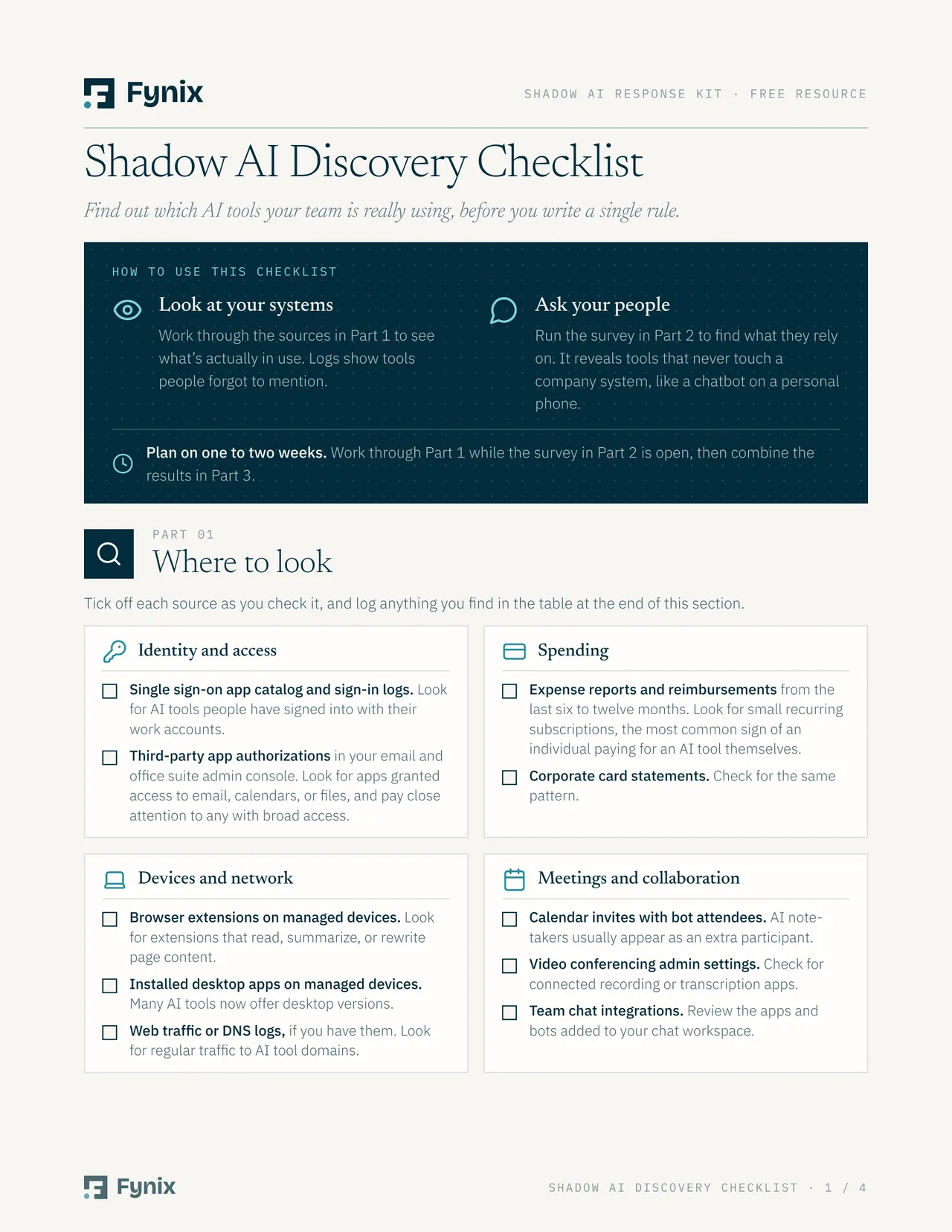
TRAINING · DISCOVERY CHECKLIST
Shadow AI Discovery Checklist
A three-part worksheet: every place to look, survey questions you can send this week, and a plan for what to do with the results.
2 Assess
Not every tool needs the same scrutiny. Sort them by the data they touch and the terms they operate under. A few questions do most of the work:
- Does the vendor use your inputs to train its models, and can you turn that off?
- How long is your data retained, and can you delete it on request?
- Can the tool be managed centrally, with single sign-on, admin controls, and audit logs?

TRAINING · AI SKILL
AI Vendor Vetting Skill
An AI assistant skill that researches each vendor, answers 16 vetting questions with a source for every answer, and recommends approve, approve with conditions, hold, or replace.
3 Provide
If you take something away, replace it with something at least as good. The fastest path is often the enterprise version of a tool people already use, because there’s nothing new to learn. Your discovery results will tell you exactly what people want.
Access matters as much as selection. If requesting an approved tool takes three weeks and two forms, people will keep using the free one.
4 Guide
Write a policy short enough that people will actually read it.
Most of it comes down to one rule everyone needs, and it fits in a single diagram:
The one rule everyone needs
It makes the approved path the easy one, and it turns every unapproved tool into a request instead of a workaround. That’s the behavior that keeps shadow AI from coming back.
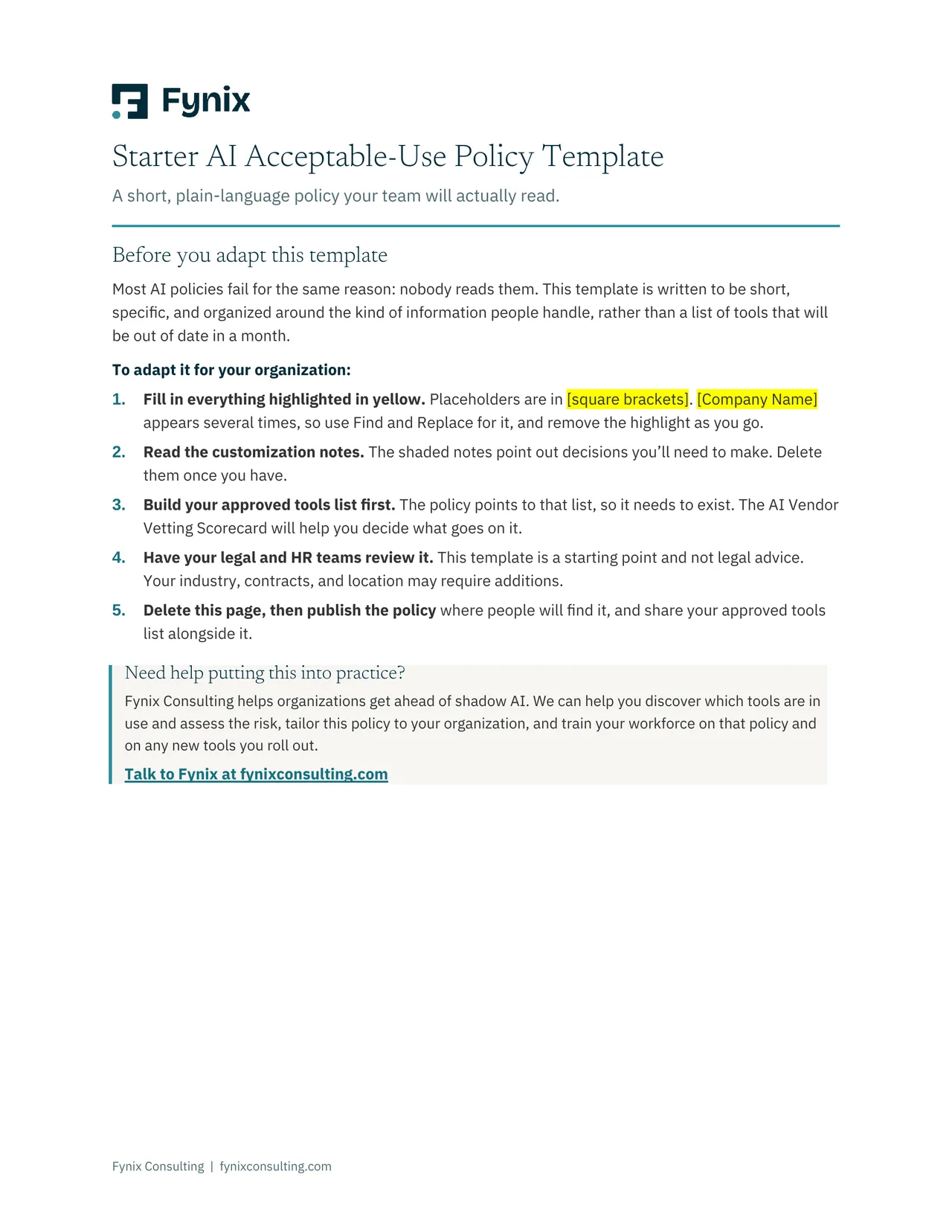
TRAINING · POLICY TEMPLATE + AI SKILL
Starter AI Acceptable-Use Policy Template
A short, plain-language AI policy your team will actually read, plus an AI assistant skill that interviews you and drafts a version tailored to your organization.
5 Revisit
Set a lightweight quarterly review covering new tools, new AI features in the tools you already have, and what people are asking for. Keep a permanent, simple way for anyone to request a tool, and treat those requests as data. They’re the clearest view you’ll get of where your approved toolset is falling short.
Where to start this week
You don’t need a formal program to make progress. Five actions will get you moving:
- Send a short, anonymous survey asking which AI tools people use for work.
- Review your single sign-on app grants and last quarter’s expense reports for AI subscriptions.
- Check the AI feature settings in your three most-used software platforms.
- Share the approved-tool diagram above with your team, even before a formal policy exists.
- Name one person who owns AI tool requests, so everyone knows where to ask.
The good news hiding in the problem
If your team is using AI without permission, they’ve already decided it’s worth using. That’s the hardest part of any adoption effort, and it’s done. What’s missing is a safe, sanctioned way to keep going.
The organizations that come out ahead will notice what their people are reaching for and give them a safe way to use it.
If you’d rather not run this alone, talk to Fynix. We offer AI consulting and training to support you at every step. We can help you find out what’s in use and assess the risk, write an AI policy your team will actually follow, and train your workforce on that policy and on any new tools you roll out.
Sources
- PagerDuty and Wakefield Research, 2026 Shadow AI Survey, June 2026.
- BlackFog, Shadow AI research, January 2026.
- TrustedTech, Shadow AI in the Workplace, May 2026.